
Name the joint
Snap, hinge, screw boss, or post-mold insert. Do not leave it as 'assemble later'.
Assembly features
Mark locators, snaps, and mate parts. DFM review comments before the joint is locked. Secondary assembly is a different path.
Design guideline
Molded joints replace loose hardware when the mate, tolerance, and undercut are planned together. This page maps which feature to pick. Sibling spokes own the snap, hinge, or boss rule.
Assembly features are locators, snaps, and hinges molded into the part. They speed assembly when the mate and the undercut are planned together. Cantilever snaps , annular snaps , and living hinges own those rules. DFM review needs both halves.
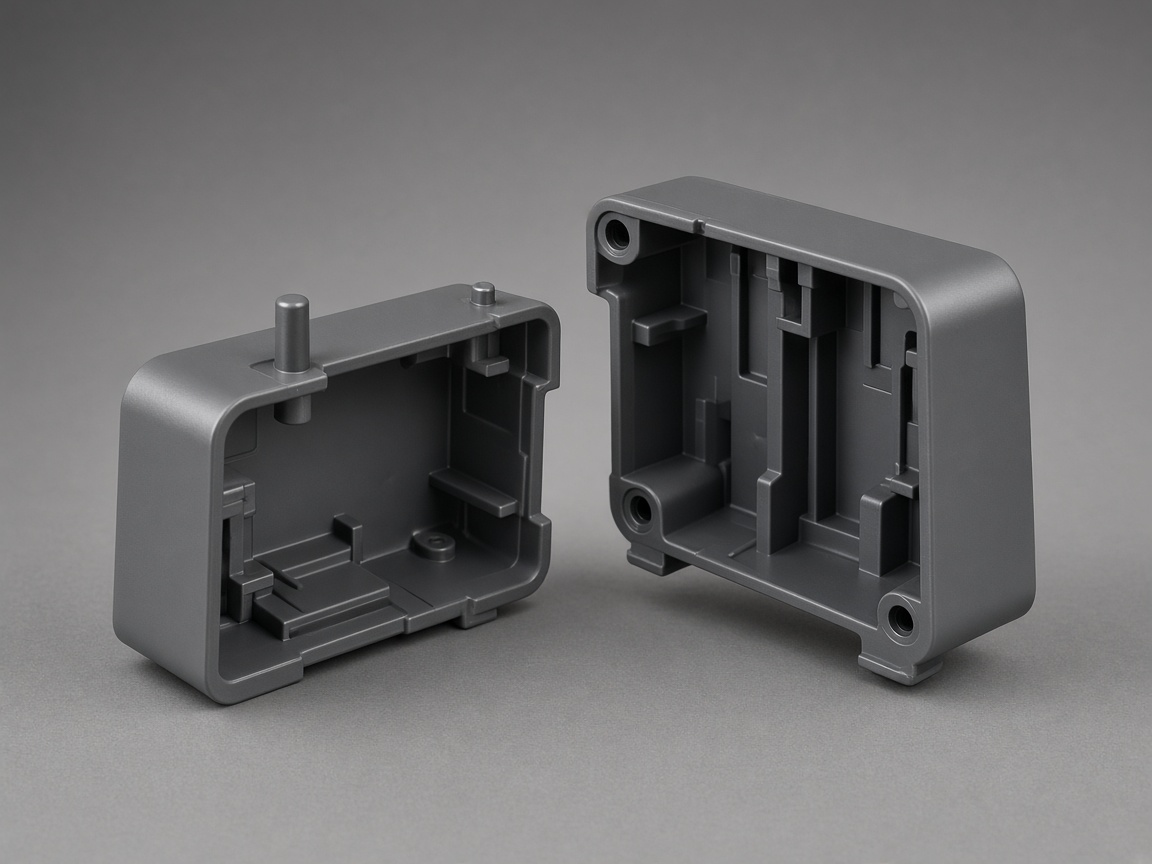
This spoke is the map. It does not replace the snap or hinge pages. Secondary operations owns welding, inserts, and packing after the shot. The design guide hub lists every topic.
Roles
Stay here to pick the joint. Open a sibling for the snap, hinge, boss, or post-mold path.
| Page | Use it for |
|---|---|
| Assembly features (this page) | Which molded joint to pick |
| Cantilever snap fit | The beam snap rule |
| Annular snap fit | The ring snap rule |
| Living hinge | A molded hinge, not a snap |
| Boss design | Posts that take screws or inserts |
| Tolerance stack up | Clearance between mating features |
| Secondary operations | Weld, print, or assemble after the shot |
| Self-tapping screw bosses | Screws into plastic bosses |
| Post-mold inserts | Inserts added after the shot |
| DFM review | CAD check before steel |
Checks
Qualitative checks. No figure on this page is a NetProto specification.
Name the joint
Snap, hinge, screw boss, or post-mold insert. Do not leave it as 'assemble later'.
Mates need CAD
A locator without the other half is a guess. Send both parts or key dimensions.
Undercuts are siblings
Hook geometry may need a lifter or side action. Those pages own the steel.
Secondary is a path
Ultrasonic welding and insert installation stay on secondary operations.
Decision
Wrong: two boxes with no locators and a note to screw them later. Right: marked locators, a named snap or boss, and mate CAD.
RFQ
The quote can start from CAD alone. These notes make the joint pass specific.
Joint type: snap, hinge, screw, or weld
Locator pins, pockets, and assembly direction
Mate part CAD or key dimensions
Undercuts that may need a lifter or side action
Cosmetic class on visible snaps
Who approves the assembly sequence
Related
Stay on this spoke for its question. Open a sibling for the neighbor topic or the CAD check.
Weld, print, or assemble after the shot.
Secondary operationsHow NetProto reads mate CAD.
DFM reviewFAQ
Locators, snaps, hinges, and molded joints that help two parts meet. Screw bosses and inserts are related. Sibling pages own those rules.
Say the service plan on the RFQ. A snap is a one-way or serviceable beam. A screw wants a boss or insert. This page maps the choice. It does not publish a load rating.
Only when the hook is an undercut that the tool cannot pass. Open undercuts, lifters, or side actions. DFM review comments on CAD.
Assembly is a listed secondary operation when scoped on the RFQ. Upload CAD so the quote can include it.
Count depends on size, stiffness, and how the halves locate. There is no published count rule. Mark the locations on CAD so DFM review can comment on the tooling approach.
This spoke is the map. Cantilever, annular, and living hinge own those features. DFM review checks CAD.
Show locators, the joint type, mate parts or key dimensions, and any undercut hooks. Upload CAD so DFM review can comment before quoting.
Next step
Share both halves and the joint type so review can comment before quoting.