
Deeper grain, more draft
Qualitatively true. Use the supplier plaque, not a number from this page.
Texture draft
Send the plaque or SPI callout with CAD. DFM review comments before texture is ordered. This page does not publish a draft-per-grade table.
Design guideline
Texture depth uses draft. A smooth wall default is not enough on a grain face. Shutoffs across texture scuff on eject. This page owns the extra draft, not which plaque to pick.
Texture draft consumes your draft budget. Texture suppliers publish guidance per plaque. Use it before you freeze CAD. Draft angle owns the smooth-wall rule. Texture selection owns which grain. SPI surface finish owns the polish scale. DFM review needs the plaque and the face.
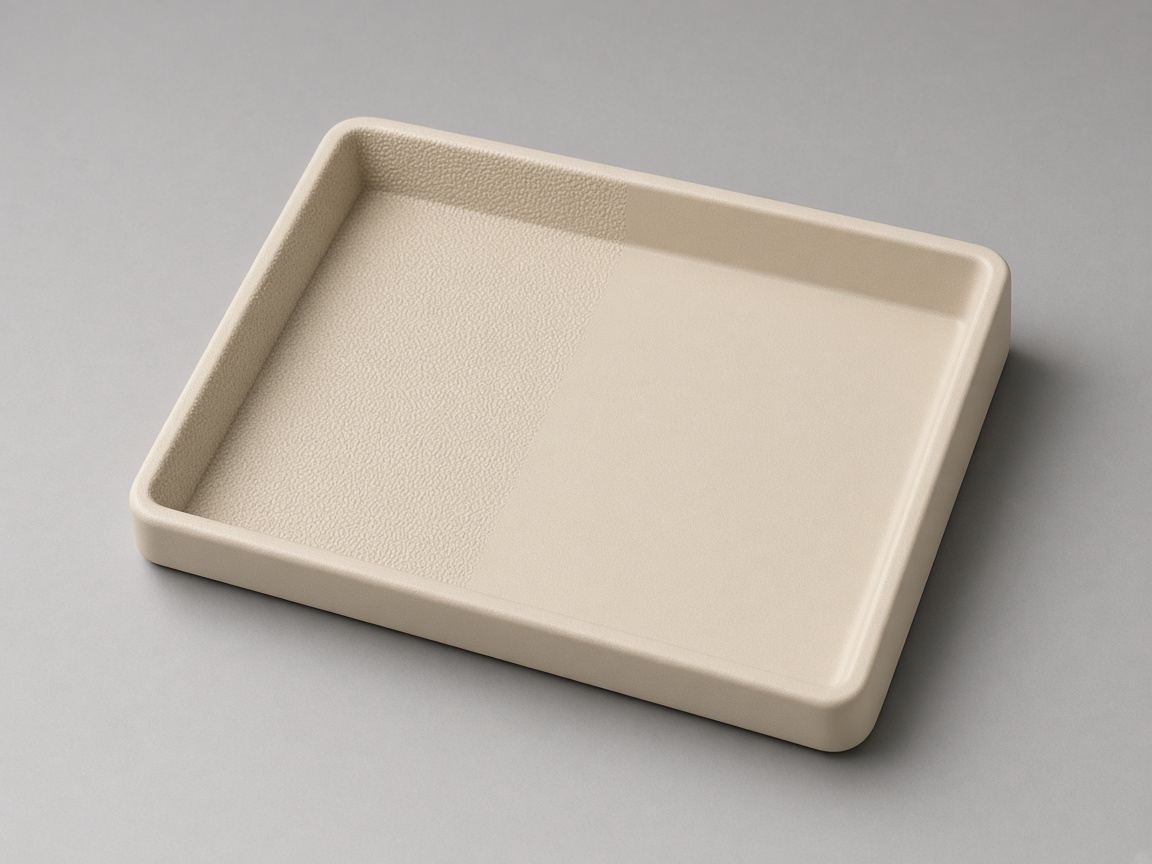
This spoke owns extra draft on grain. Mixing polished and textured regions on one part needs a clear parting plan. The design guide hub lists every topic.
Roles
Stay here for extra draft on grain. Open a sibling for the plaque, polish, eject, or the general draft rule.
| Page | Use it for |
|---|---|
| Texture draft (this page) | Extra draft on a grain face |
| Draft angle | The smooth-wall rule |
| Texture selection | Which grain to pick |
| SPI surface finish | Polish scale A1 to D3 |
| Parting line | Shutoff across a textured face |
| Ejection design | Grain that scuffs on eject |
| Lettering and engraving | Art sitting on grain |
| Wall thickness | Texture does not replace wall rules |
| DFM review | CAD and plaque check |
Checks
Qualitative checks. No figure on this page is a NetProto specification.
Deeper grain, more draft
Qualitatively true. Use the supplier plaque, not a number from this page.
Add texture before T1 when you can
A late etch is steel and draft work.
SPI is not MoldTech
Different systems. Name the plaque you want.
Shutoff across grain
Texture that walks over a split can scuff or flash.
Decision
Wrong: freeze CAD on a polish draft, then add a deep etch. Right: pick the plaque, then size draft on that face.
RFQ
The quote can start from CAD alone. These notes make the DFM pass specific.
Plaque or SPI callout, if you have one
Faces that will be textured
Current draft on those faces
Parting-line intent across grain
Polished regions that meet the grain
Whether texture can wait until after T1
Related
Stay on this spoke for its question. Open a sibling for the neighbor topic or the CAD check.
Which grain to pick.
Texture selectionPolish scale, not a texture plaque.
SPI surface finishHow NetProto reads plaque plus draft on CAD.
DFM reviewFAQ
Usually yes. Use the supplier plaque. This page does not publish degrees-per-grade.
Sometimes. It can still need more draft. Lock grain before steel when you can.
No. SPI is a polish scale. MoldTech and VDI are texture systems. Name the plaque. Open the finish pages for the systems.
Follow the plaque and the face. NetProto does not publish a draft table here. Upload CAD.
Yes if the split and draft are planned. Mark both regions.
Draft angle owns the smooth rule. Texture selection owns the grain. This spoke owns extra draft. DFM review checks CAD.
Show which faces are textured, the plaque or SPI callout, and the current draft on each face. Upload CAD so DFM review can check release before quoting.
Next step
Share textured faces and the plaque so review can check draft before quoting.