How to Calculate Clamping Force: What Belongs on the RFQ
Injection molding clamping force is the press force that keeps the mold closed against the melt during fill and pack. Buyers often treat it as a machine-size label to copy onto a drawing. Molders size it from projected area, pack, and geometry after the steel layout exists. Clamp force is a machine and mold-design result, not a drawing default you copy from a blog.
What Is Clamping Force in Injection Molding?
Clamping force is the closing force the press applies so the mold halves stay sealed while plastic fills and packs the cavity.
Clamp force is not injection pressure or a quality score
It is the counterforce that resists separation at the parting line. It is not injection pressure, and it is not a quality score.
Buyers usually meet the idea as machine size. A quote sheet or a plant list talks about press class, and it is easy to treat that class as a figure you should lock on the RFQ. The molder reads a different problem. They look at the silhouette the melt can push against, how hard pack has to be to fill and hold the part, and how the steel is laid out.
That silhouette is projected area along the opening direction. It is the area of the cavities, plus any runner that sits on the parting line, viewed along the opening direction. Read it from CAD in DFM before press selection. A flat envelope on a print is a poor substitute. Undercuts, cores, and the real parting line change what the press must hold closed.
Cold runner vs hot runner load
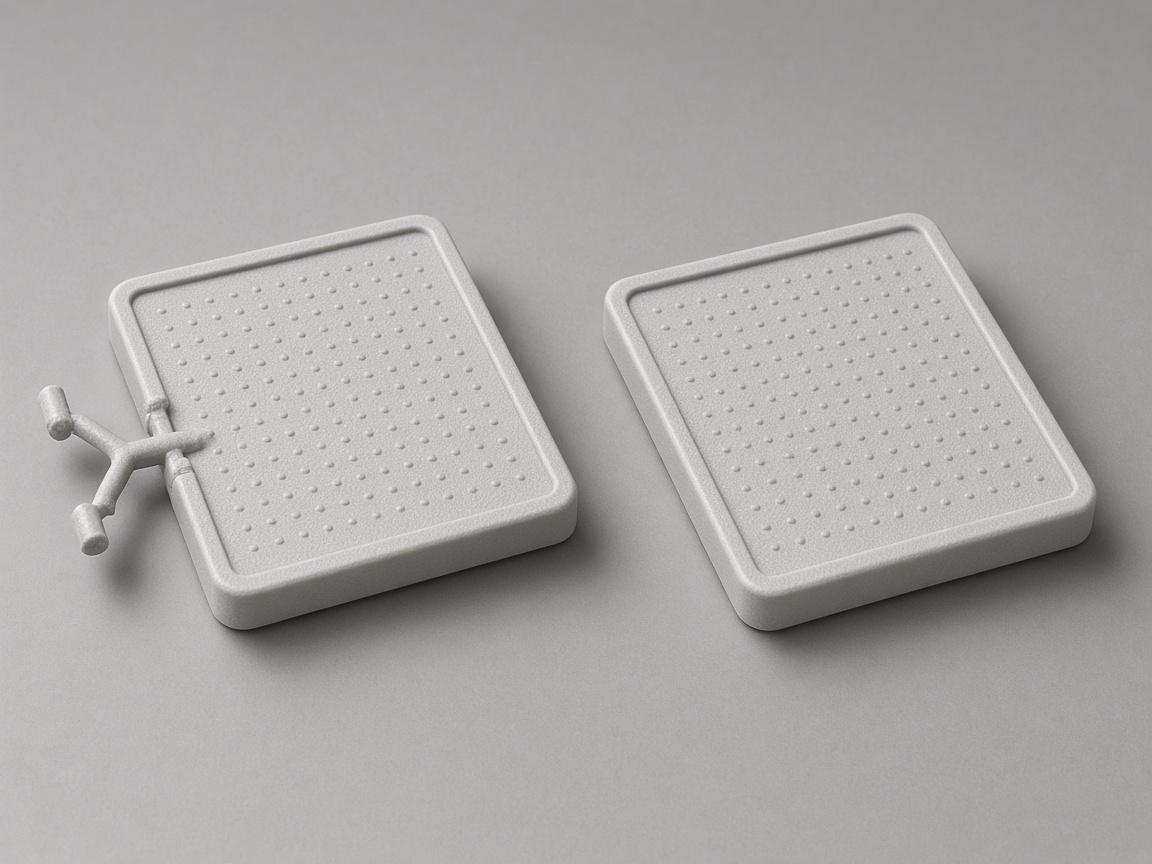
Runner style belongs in the same conversation. A cold runner that sits on the parting line adds area the press must hold closed. A hot runner usually removes that runner area from the load. You do not need to compute it on the RFQ. You do need to say which style you want, or that you want DFM to flag the choice. Read cold runner vs hot runner load for scrap and tool tradeoffs.
Why thin-wall and optical parts need more pack
Pack is the hold after fill. It is the part of the process that still pushes on the cavity after the part looks full. Thin walls, long flow paths, and optical faces often need more pack even when the part looks small. Geometry then decides how that load reaches the parting line and the shutoffs.
This page is the RFQ conversation, not a public calculator. For the term itself, start with clamping force. You will not find a published clamp formula, a pressure table, or a machine-size recipe here. Those figures belong in the molder's study, after CAD and the steel layout exist.
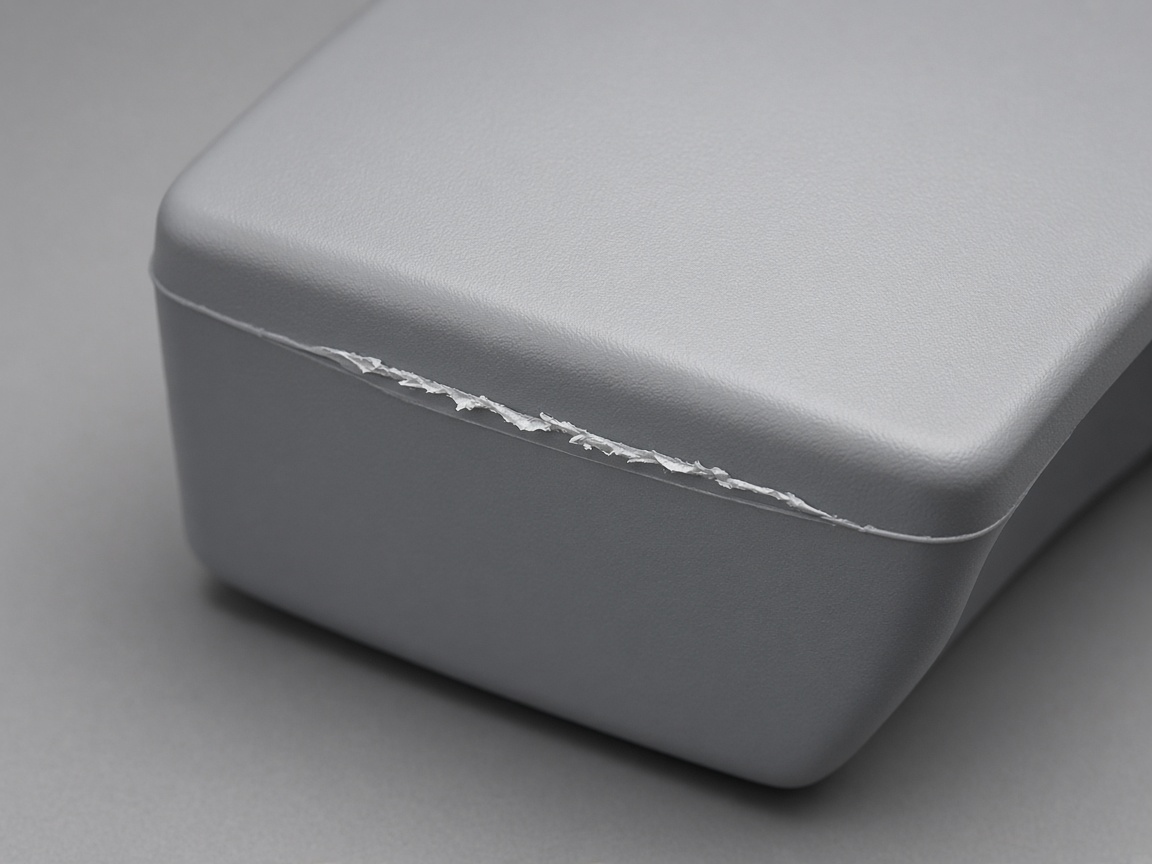
When available clamp is too low for the area and the pack the process needs, the parting line can open. Flash, dimension drift, or oil on the seam are the usual symptoms. The flash you see is excess melt that escaped the shutoff. It is a useful clue. It is not, by itself, a clamp figure you should stamp on the print. Raising clamp is not always the first fix. See does higher clamp pressure stop flash when worn shutoffs or a pack change opened the seam.
When clamp is far above what the tool and vents were built for, new problems show up. Vent lands can crush. Fine cores and shutoffs can overload. A small tool can sit on a press that is awkward to set and costly to run. More clamp is not a free upgrade, and it is not a cosmetic finish.
People search how to calculate because they want a formula they can paste into a spreadsheet. A public formula without your CAD, resin family, runner style, and impression plan will be wrong in ways you cannot see on the print. The useful question on an RFQ is not what figure to write. It is what you sent so the molder can size the press in DFM.
If you already have a plant constraint, say so in words. If you do not, leave press class open and ask DFM to confirm it after the steel layout exists. That is how injection molding clamping force should enter a quote package.
Key Facts
- Clamp force is a machine and mold-design result, not a drawing default you copy from a blog.
- Projected area, pack on thin walls, and how many impressions you discuss all change the need.
- Higher clamp does not automatically stop flash at the parting line.
- Pack demand can rise with thin wall design and pack demand even when the part looks small.
- Do not publish a clamp figure, a pressure unit, or a NetProto clamp formula.
- Ask DFM to confirm press class after the steel layout exists, not before the solid is shared.
Inputs the Molder Needs From You
The molder cannot size injection molding clamping force from a title block. They need the solid, the resin family, and any history that changes pack. Projected area and pack stay qualitative on the RFQ. Press class is a DFM result.
Treat the list below as the RFQ checklist. Each step is something you can send before anyone picks a press from habit.
Send the solid, not a flat envelope
Upload the solid so projected area can be read from CAD, not guessed. A sketch that says the part is about this big is not an area the press can be sized from. The molder needs the current solid, including bosses, windows, and any open faces that change the silhouette along the opening direction. If you already know the opening direction, mark it. If you do not, DFM will flag the question instead of guessing from a flat view.
Resin family + thin-wall/optical note
State resin family and whether the part is thin-wall or optical. Grade can stay open when the family is honest. Family tells the molder how the melt is likely to pack. A thin-wall or optical note tells them pack demand may be high even if the envelope looks small. That is enough for an RFQ. It is better than a copied machine-size callout with no resin next to it.
Flash / short-shot history as evidence
Note any prior flash or short-shot history. Write where the seam escaped, which face showed it, and whether it grew when pack was raised. Short-shot history matters too, because it often leads shops to raise pack, which then raises the load on the parting line. Photos of the flashed face help more than a generic no-flash note. The molder reads that history against the CAD, not against a max-clamp callout.
Press class is a DFM result, not a title-block callout
Ask DFM to confirm the press class after the steel layout exists. Runner style, family layouts, and how impressions sit relative to the parting line all change the area the press must hold closed. Confirming press class before that layout exists is a guess. Put the ask on the RFQ as a question, not as a locked note. DFM flags the layout issues that move press class. It does not invent a public clamp formula for the print.
Use the instant quote platform. Upload the CAD so projected area, resin family, and thin-wall notes enter the same package. DFM flags those inputs before tooling release. Pricing follows the same upload. You do not need to attach a clamp calculation to start the quote.
What Not to Write on the Drawing
A drawing note cannot replace DFM. The three callouts below cause the most confusion when buyers try to calculate clamp on the print.
Copied press class
A copied machine-size callout from another program. A cover that looks similar is not the same projected area, resin, runner, or impression plan. The press that ran the last job is a plant fact about that job. It is not a clamp calculation for this tool. If you have a plant that can only run a certain press class, write that as a constraint in the RFQ text. Do not stamp the old callout onto a new title block.
Max-clamp as a cosmetic fix
"Max clamp" as a cosmetic fix for flash. Flash is excess melt that left the shutoff. Worn parting lines, dirty shutoffs, blocked vents, and pack the steel cannot contain can all look the same on the part. Raising clamp does not dress a worn shutoff or open a crushed vent. A max-clamp, no-flash note hides the real work: where the seam failed, and whether pack was chasing a cosmetic face. Put the flash history in the RFQ. Leave clamp as a DFM result.
Impression count before steel layout
Cavity-count demands that skip DFM. How many impressions you discuss changes the area the melt can push against. A family mold that holds more than one part number in the same steel changes it again. See family mold impressions and clamp load. Locking impression count before the steel layout exists skips the clamp conversation the molder still has to finish. State the production intent in words. Ask DFM to confirm impressions and press class together.
If you need a note on the drawing, keep it qualitative. Resin family, thin-wall or optical, opening direction if known, and flash or short-shot history are useful. Machine-size callouts, max-clamp cosmetic notes, and locked impression counts are not.
A useful RFQ line reads like a fact the molder can check against CAD. Resin family PC, thin-wall cover, prior flash on the cavity-half shutoff when pack was raised. Opening direction as marked. Optical face on the cavity half. Family layout under discussion. Confirm press class after steel layout. Those sentences give the molder something to size. A copied press class does not.