Clear Plastic Injection Molding: PC vs PMMA on the RFQ
What Is Clear Plastic Injection Molding?
Clear plastic injection molding is the process of filling a steel cavity with a transparent or translucent thermoplastic so the finished part transmits light, shows internals, or reads as a window. Clarity is a drawing requirement, not a resin nickname and not a finish callout by itself. If the print only says "clear," the tool still does not know which face is optical or which resin job you are buying.
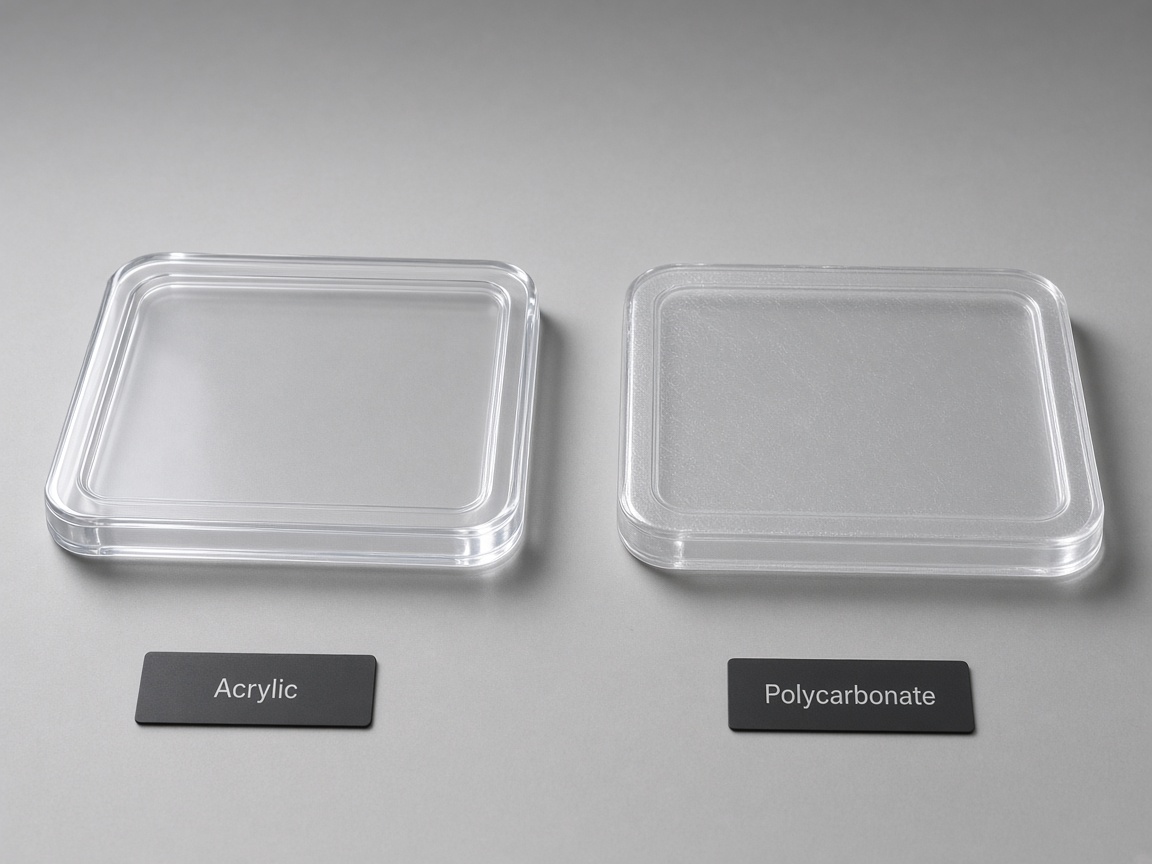
Pairwise resin choice lives on polycarbonate vs acrylic. This page is the RFQ: haze, gate blush, drying, and what to mark on CAD. It does not rewrite the compare table.
A clear housing fails in ways an opaque cover never shows. Surface haze, gate blush, knit lines, and ejector witness sit on the same face the user looks through. Fingerprints and bag scuffs read as defects on a gloss window. The RFQ has to name the optical job, the resin family or the open tradeoff, and the faces that cannot take a gate.
Name the job before you name the resin
Treat the quote packet as three stacked decisions. First, name the job as see-through, light-pipe, or window. Second, pick PC, PMMA, or a third path, or write that the split is still open. Third, write the finish and handling notes that make T1 photos usable. The compare page owns the material split. The RFQ owns the inspection language.
Key Facts
- PC is the usual pick when impact or heat is the job.
- PMMA (acrylic) is the usual pick when optical clarity and scratch look matter more than toughness.
- Transparent ABS is a third path when the part is only 'clear enough' and cost or paint is still open.
- Drying and contamination control belong on the RFQ for hygroscopic clear grades.
- Gate blush, haze, and witness read harder on gloss clear faces. Call out SPI surface finish grades per face.
- Optical limits belong on your inspection plan. Do not treat catalog haze or impact figures as NetProto specs.
PC vs PMMA vs clear-enough ABS
PC is the usual housing and window resin when a drop, a snap, or a warm environment is the reason the part exists. PMMA is the usual cover and lens resin when the buyer will judge scratch look and see-through quality first. Those are routing rules, not property tables. Read the compare page when you need the pairwise essay.
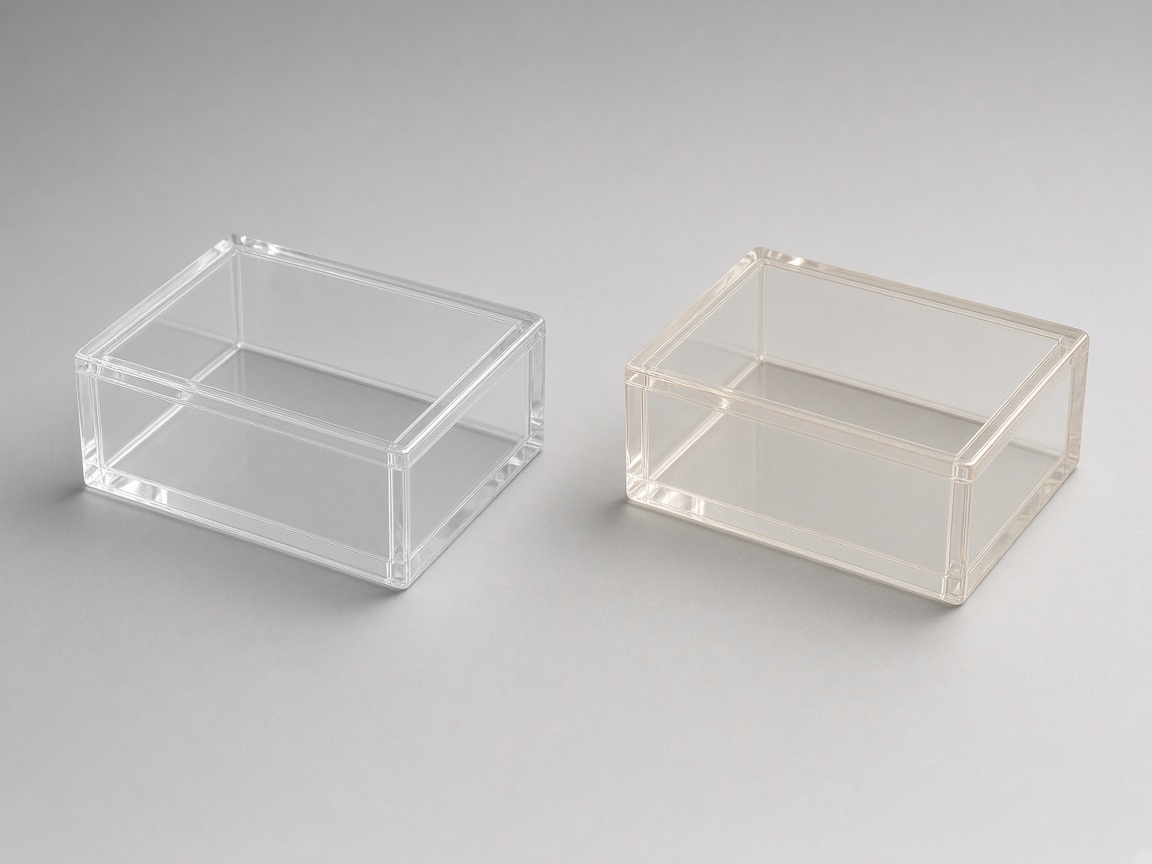
Transparent ABS belongs on the RFQ only when you mean "clear enough." A tinted cover that may still be painted is a different job from a display window. If you leave that unsaid, DFM has to guess whether gate blush on the show face is a fail.
Hygroscopic clear grades show moisture and fines as splay, silver, or haze. You do not need a dryer recipe on the drawing. You do need a note that the grade is moisture-sensitive and that T1 will be judged on a clean, dry shot. Contamination control is the same idea: regrind, dust, and bag scuff show on a gloss face.
Finish is a per-face callout. A single "high polish" note on the title block does not tell the tool which face is optical and which face may carry a witness. Name an SPI grade on the look-through face. Name a different grade on hidden faces if a witness is allowed there.
Related Process Guides
This article does not copy the PC versus acrylic property table. Use the live compare page for that split, then use the PC spoke when polycarbonate is already the named family.
- polycarbonate vs acrylic for the resin split.
- polycarbonate injection molding for the PC spoke.
- acrylic (PMMA) injection molding for the acrylic spoke.
- SPI surface finish grades for cosmetic face callouts.
If the job is still "impact versus optics," read the compare page before you freeze a grade on the print. If PC is already on the drawing, the PC spoke is the material page to attach to the RFQ. Finish language still belongs on the SPI glossary so the window face and the gate land are not left as "high polish" in email.
Keep one routing paragraph in the quote packet. A second homemade table drifts from the live compare page and invites catalog numbers onto the drawing.
What to Write on the Clear-Part RFQ
Write these five notes so DFM before tooling release can flag gate, finish, and handling risks against the same CAD.
- State see-through, light-pipe, or window as the job, not just "clear."
- Name PC, PMMA, or undecided, and why (impact, heat, optics).
- Mark the optical face and the gate keep-out.
- Note drying, packaging, and fingerprint handling if cosmetics are Class A.
- Upload CAD through the instant quote platform.
Name the optical job
A see-through cover must stay readable when someone looks through it at a display or a mechanism. A light-pipe must carry light from a source to a mark without a dark band or a bright leak on the way. A window must still be a window after assembly, labels, and handling. Write which job the part does. If one solid does two jobs, mark both zones.
Name the resin family, or write that it is open
Write PC when impact or heat drives the choice. Write PMMA when optics and scratch look drive the choice. Write "undecided, impact versus optics still open" when you want both paths flagged against the same CAD. Add the reason in one line so a later grade swap has a written cause. If transparent ABS is in play, write "clear enough, paint still open."
Do not paste catalog haze or impact figures onto that line. If you already have a customer test, attach the method and the pass or fail language you use today.
Mark the optical face and the gate keep-out
Color or note the face the user looks through. Draw a keep-out where a gate, vestige, or blush halo would fail the part. If a hidden face can take the gate, mark it "gate allowed" and say whether a vestige or a witness is acceptable there.
DFM may flag a gate on the optical face or a polish that will make blush louder. Those flags are review notes. They are not a promise that the gate will move. If the keep-out and the fill path fight each other, that conflict is what the RFQ is for.
Write handling when cosmetics are Class A
Clear gloss faces show fingerprints, bag scuffs, and tray marks. If T1 will be judged as Class A, say so. Ask for a dry-shot note on hygroscopic grades, packaging that does not rub the optical face, and a no-touch note for the show face. Write what a rejected T1 looks like: prints, scuffs, or moisture haze.
Upload the CAD
A drawing note without a solid cannot place a keep-out. Upload the model so the optical face, the resin note, and the gate land sit in one file.
What T1 Photos Must Show on a Clear Housing
A beauty shot on a dark cloth is not a clear-part T1 package. Opaque lighting hides blush and haze. Ask for three lighting setups that match the job, and keep the optical face and the gate land in frame.
Backlit transmission
Light behind the part shows haze, clouds, and bubble distribution across the look-through zone. This is the shot that tells you whether the window is a window.
Front-lit reflection
Light on the show face shows gate blush, knit lines, and ejector witness. Aim this shot at the gate land and any high-polish patch. Blush stays anchored to the gate even when the rest of the fill looks clean.
Edge-lit continuity
When the part is a light-pipe, light entering the designed entry should reach the mark without a dark band or a leak from a sink, a knit, or a scuff. Skip this shot only when the part is a flat window with no pipe job.
Photograph the same faces you marked on the CAD. If the RFQ named a keep-out, the front-lit shot should include that zone. If the RFQ named a light-pipe, the edge-lit shot should include the entry and the exit. Label each photo with the face name, the lighting, and the gate location so a later lot can be compared to T1.
T1 photos do not replace your inspection plan. They are how you confirm the plan against a real shot: haze on the backlit view, blush on the front-lit view, and pipe continuity on the edge-lit view. Write pass or fail in your own language. Do not convert those photos into published haze or impact figures.